A LITTLE CHANGE. A WHOLE NEW FEELING.
AI Interior Design Generator
One photo in, ten directions out. Restyle a room without moving a wall, then keep editing the version you like.
Your starting point
Your first 2 designs are on us · no card needed
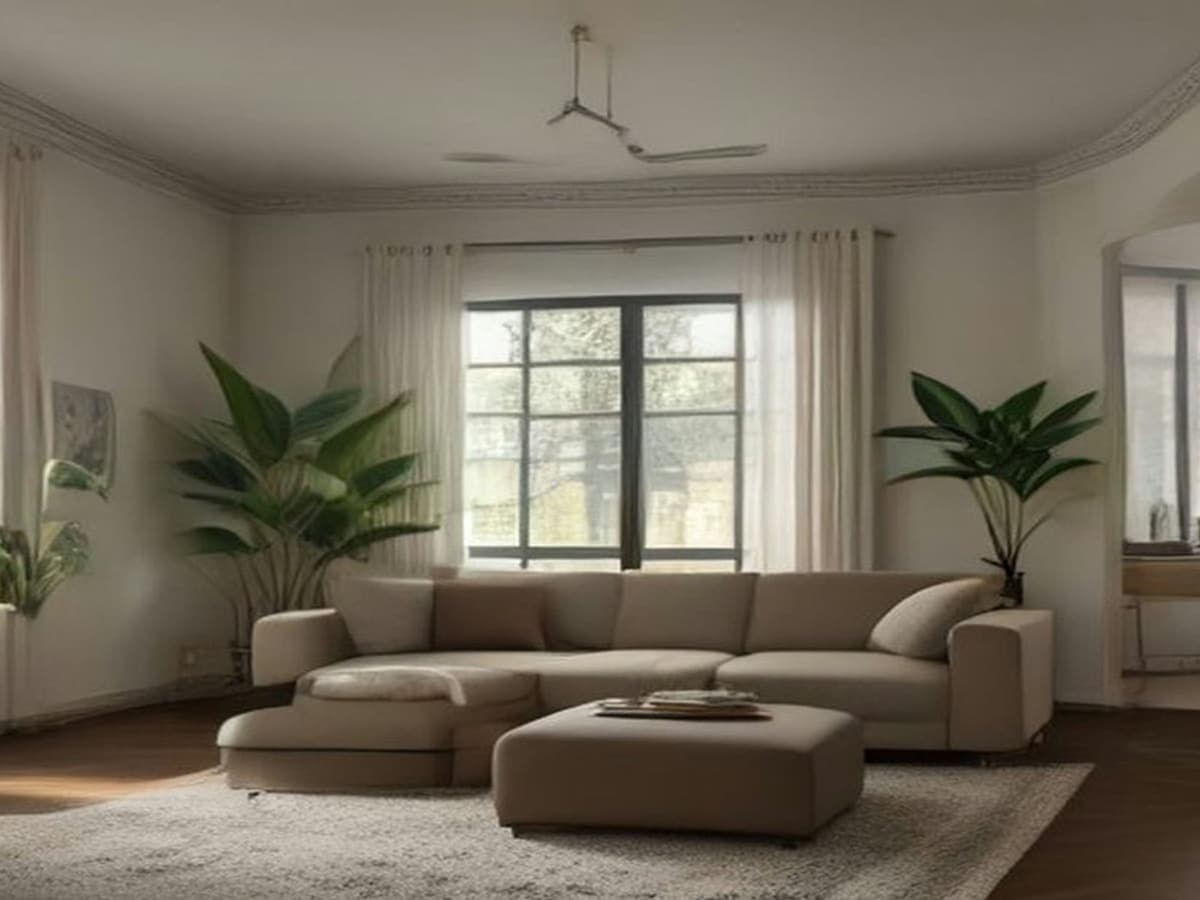
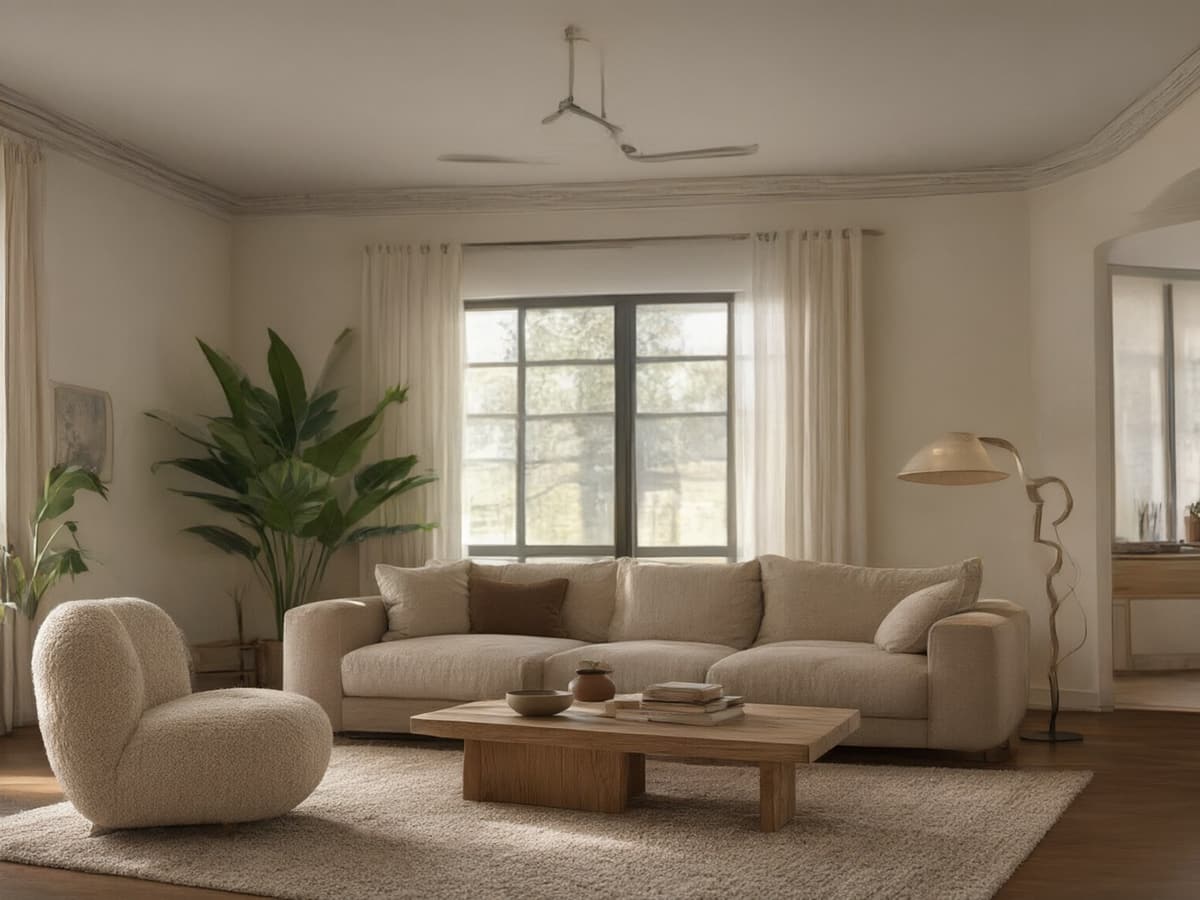 BeforeAfter
Drag the handle to compare before & after
FIND WHAT FEELS LIKE YOU
Different moods.
Same room.
Start with a feeling. Explore a few of our favourite directions, then make one your own.
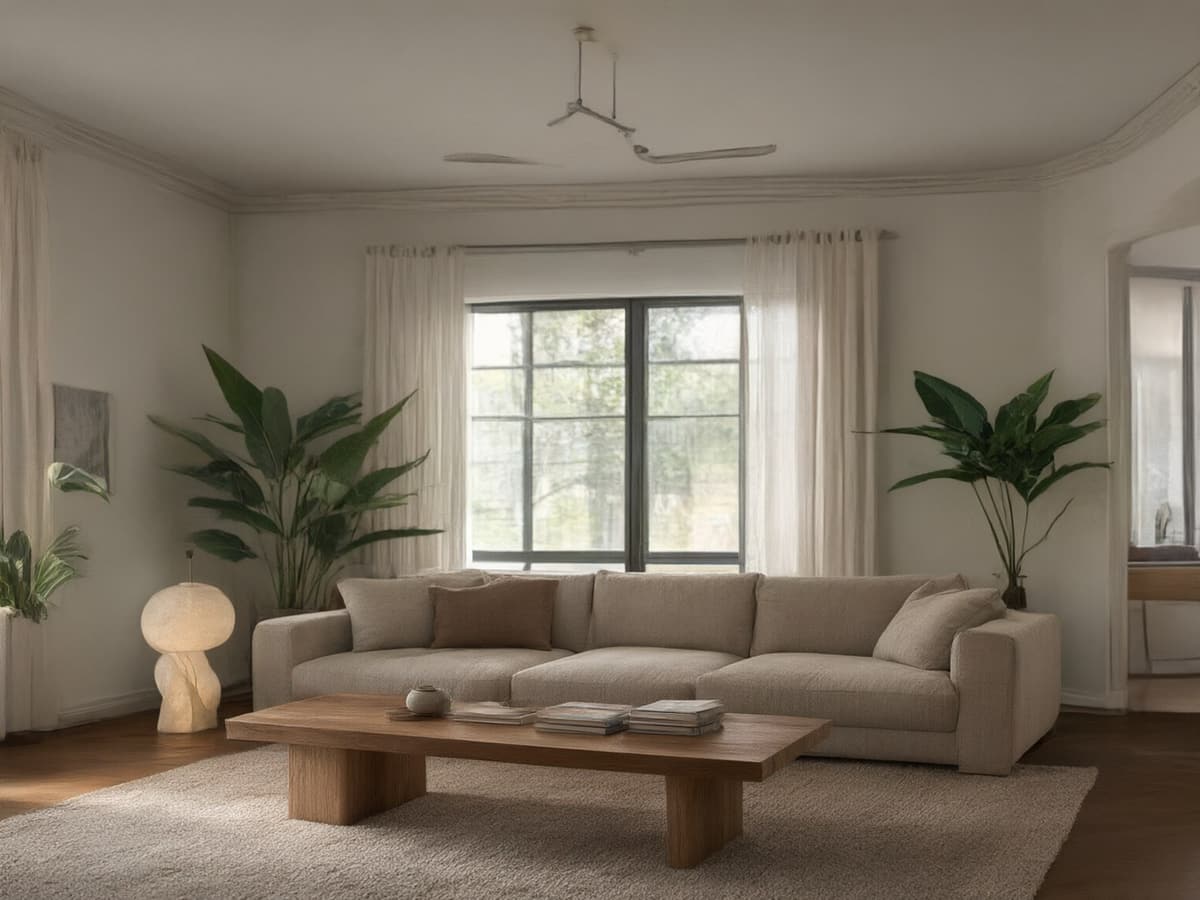 AI design example
01Modern
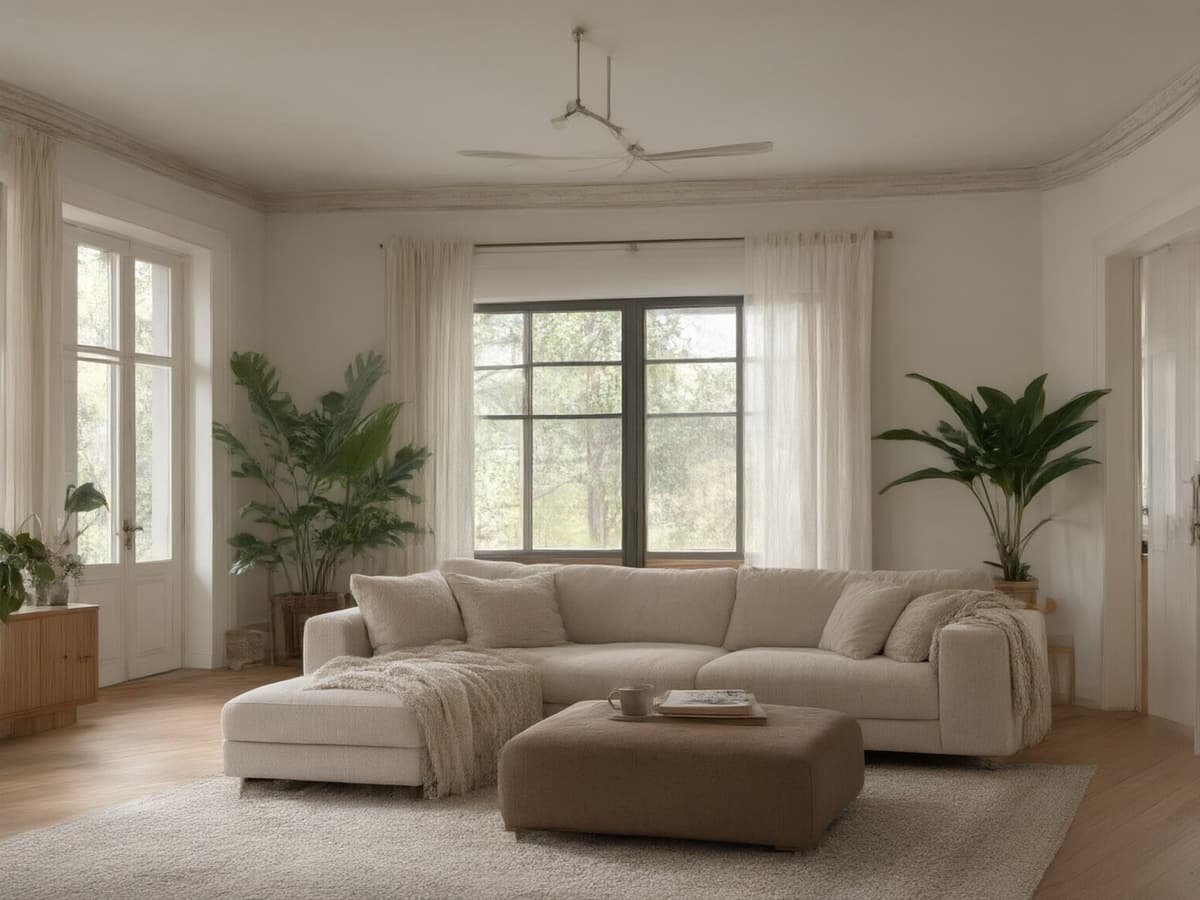 AI design example
02Scandinavian
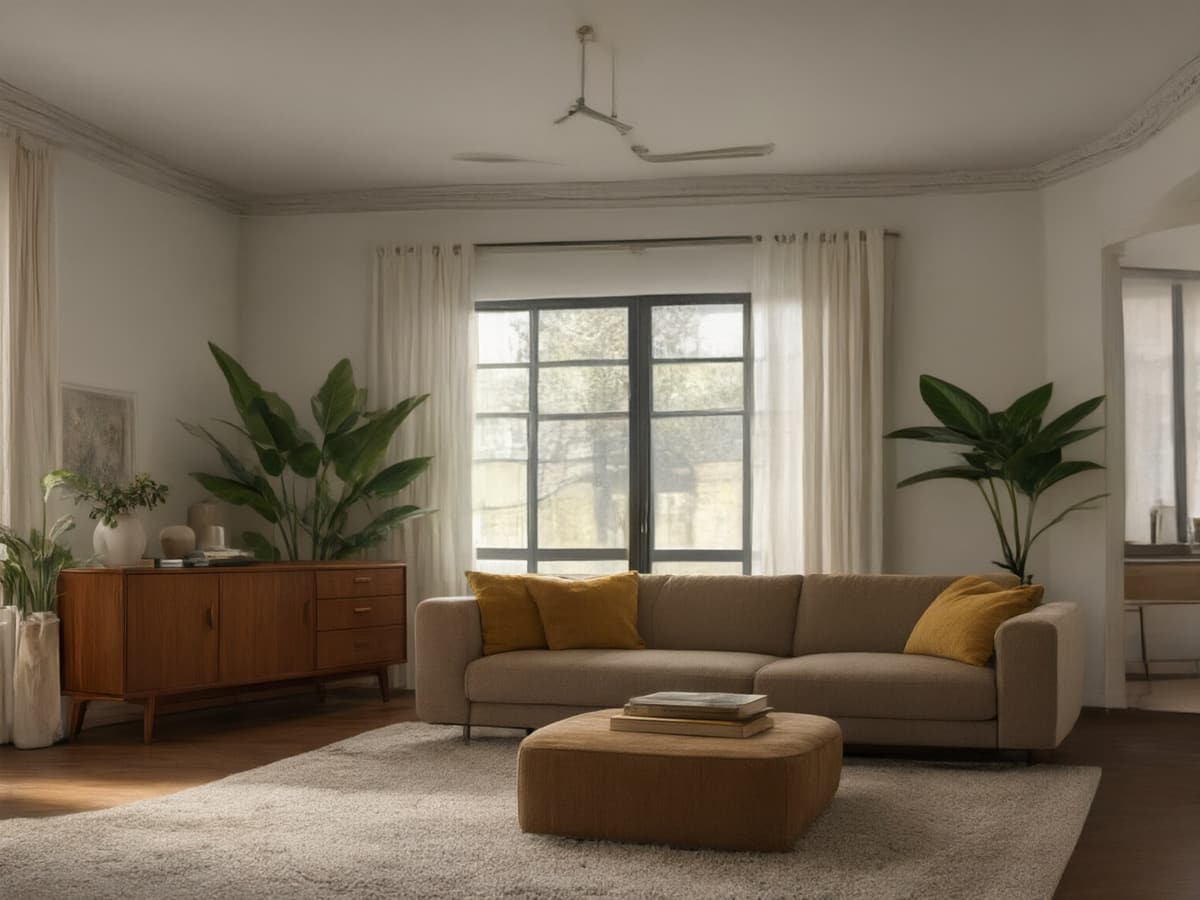 AI design example
03Mid-century
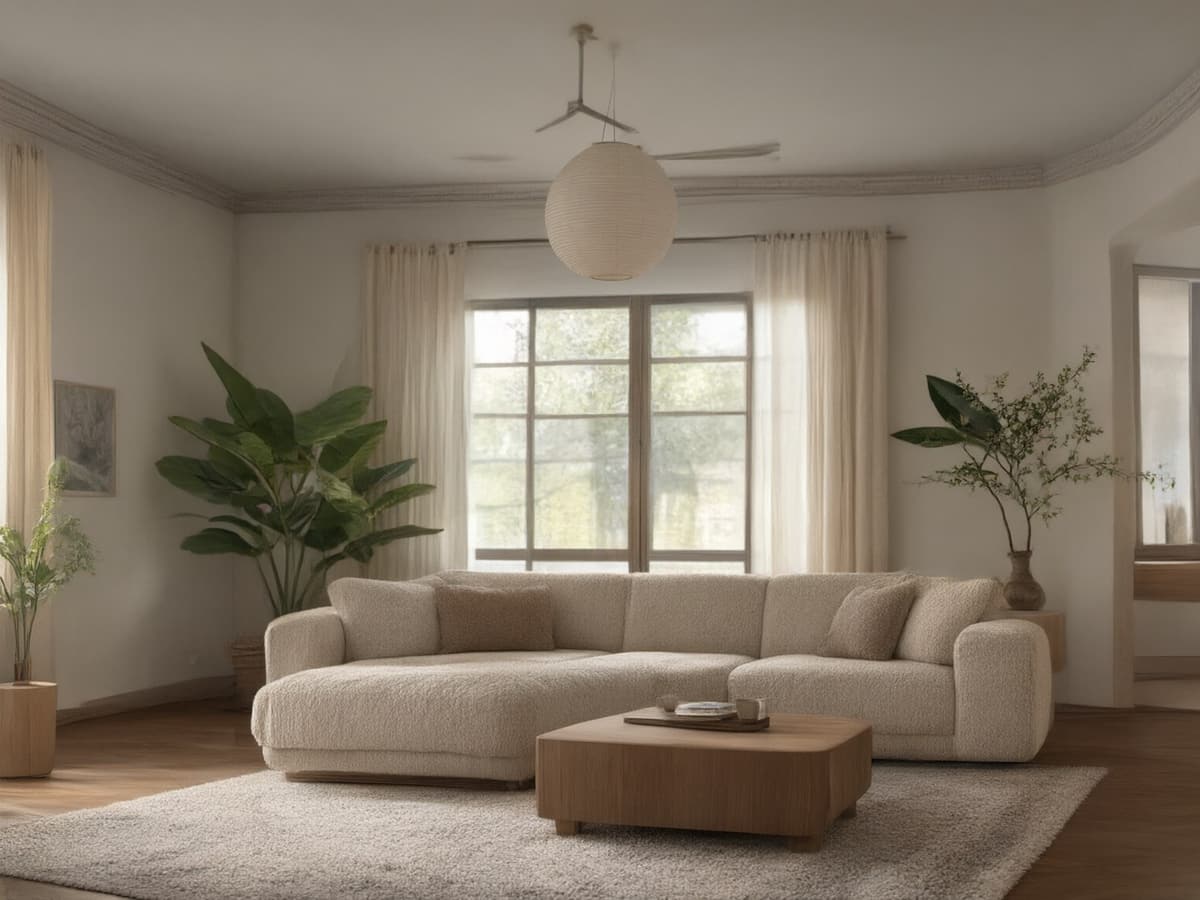 AI design example
04Japandi
ROOMFLOAT / FIELD NOTES
AI Interior Decor Ideas
Interior design advice usually arrives as a mood board you cannot buy. An AI decor pass is more useful than that, because it puts the suggestion inside your own room, at your own window, under your own ceiling height. You see whether the bouclé chair actually fits next to the radiator before you spend anything.
The fastest way to use it is to generate the same photo five ways and look for what repeats. If three of five renders put a low shelf under the window, that is probably the right move in that room. If every render wants to repaint the walls white, your current colour is fighting the light.
- Start with two opposite directions (warm vs cool, light vs dark) rather than ten variations of beige.
- Name materials in the Custom box: oak, travertine, linen, brushed brass.
- Iterate one render instead of regenerating from scratch — changes stay cumulative.
ROOMFLOAT / FIELD NOTES
10 Styles Compared
The ten presets are not ten aesthetics so much as ten answers to "how much stuff should be in this room". Minimalist and Japandi remove; Bohemian and Art Deco add. Modern and Industrial keep the palette tight but the surfaces hard. Coastal and Farmhouse soften everything and let daylight do the work.
What each preset actually changes
- Modern — low furniture, flat fronts, one accent material, very few objects.
- Scandinavian — pale wood, white walls, textiles over pattern, generous daylight.
- Mid-century — tapered legs, walnut, mustard and olive, one statement lamp.
- Japandi — low contrast, natural fibre, negative space, almost no hardware.
- Industrial — exposed structure, dark metal, leather, brick if the room has it.
- Bohemian — layered rugs, plants, mixed pattern, no matching set anywhere.
- Coastal — bleached timber, linen, blue-grey, nothing glossy.
- Farmhouse — painted timber, apron sink, shaker profiles, warm white.
- Minimalist — hidden storage, monochrome, one texture repeated.
- Art Deco — symmetry, brass, lacquer, dark green or burgundy.
ROOMFLOAT / FIELD NOTES
For Homeowners vs Renters
If you own the place, the render is a shopping list: you can change the floor, the doors, the lighting circuit. Generate with Keep original structure off and you get renovation concepts; generate with it on and you get furniture plans you can execute this weekend.
If you rent, the useful output is the opposite. Keep structure on, restrict yourself to the style presets that do not imply structural work, and treat the render as a constraint test: everything in it that is not furniture is something you cannot have. Paint, rugs, lamps, textile — that is the whole budget, and the render will show you how far those four things actually go.